
 Jarvis summary
A QR business card can remove friction at the moment someone wants to learn more. A customer scans a code, reaches a page and chooses what to do next. That might be saving contact details, viewing services, requesting information or submitting an enquiry.
The important distinction is that a QR scan is not automatically a lead. A QR code does not retrieve a visitor’s name, phone number, email address or contact list. It simply opens the web address encoded in the code. The visitor decides whether to identify themselves and whether to submit a form.
That distinction helps businesses build a more useful, respectful process. Rather than treating every scan as a sales opportunity, design the experience to help interested people take a clear next step. When someone does choose to enquire, your team should know what happens next, who owns the response and how to avoid losing context.
What a QR code actually does
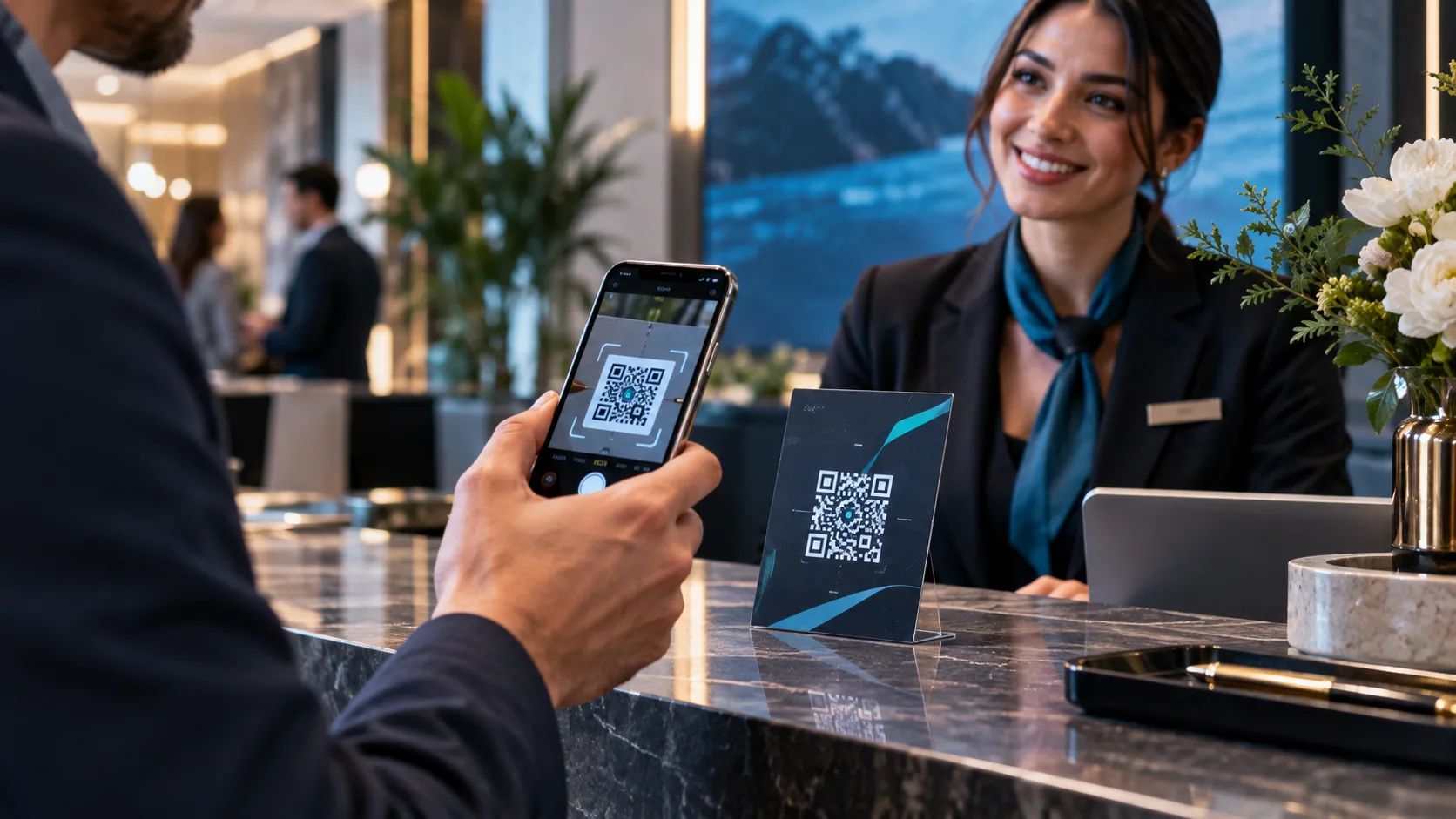
A QR code is a machine-readable way to share a link. When scanned by a phone camera or QR scanner, it directs the user to the URL chosen by the business.
The destination could be a public professional profile, a booking page, a product overview, a customer enquiry form or another useful resource. The code itself does not automatically:
- collect a person’s contact details;
- add them to a CRM;
- access the scanner’s contacts;
- confirm that the person is ready to buy; or
- prove which conversation caused a later sale.
A scan can still be a meaningful signal. It may indicate that a person was curious enough to take out their phone and visit the destination. But curiosity and permission are different things. The next step should be easy to understand and initiated by the customer.
This is why a QR business card with lead capture should be planned as a small customer journey, not just a printed code.
Where a shareable QR code fits in the customer journey
QR codes work best where a customer may want information without needing to type a long address or exchange details immediately. They can be included on physical business cards, event materials, counter displays, proposals, presentations, packaging, printed brochures and email signatures.
The code should lead to a page that matches the situation. Someone scanning after a short event conversation may need a simple way to reconnect. Someone scanning a brochure may want service details before deciding whether to speak with a representative.
A useful journey often looks like this:
- A person sees a QR code in a relevant setting.
- They scan it and open a clear public page.
- They find useful information and visible action options.
- If they want help, they voluntarily complete an enquiry form.
- The enquiry is assigned to a responsible person or team.
- The customer receives a relevant response with the original context retained where possible.
The QR code is the doorway. The page and follow-up process determine whether the experience feels helpful.
Build a destination page around clarity, not clutter
A scanned page should answer three questions quickly:
- Who is this person or business?
- What can they help me with?
- What should I do next?
A public profile or landing page does not need to contain every possible detail. It needs to make the next useful action obvious. Depending on your business, that might include contact details, service areas, a short introduction, relevant resources, booking options or a customer enquiry form.
Make the profile recognisable
Use a professional name, role, business identity and contact method that are consistent with the customer’s earlier interaction. If the code is displayed at an event, the destination should not leave visitors wondering whether they reached the right person.
A short statement of value can help. For example, a consultant might say they help organisations assess a particular operational challenge. A retailer might direct visitors to product advice or store support. A service business may make it clear which enquiries it can handle.
Offer a small number of meaningful actions
Too many calls to action can make a page harder to use. Prioritise actions based on what a visitor is likely to need at that moment.
Common options include:
- save or view contact details;
- request a call or reply;
- ask a question;
- make a booking request;
- view a relevant guide or service overview; and
- contact the business through an available channel.
Use direct labels. “Request a consultation” is clearer than “Get started.” “Ask about team training” is clearer than “Learn more” when that is the intended action.
Provide an accessible alternative to scanning
Not everyone can, wants to or is able to scan a QR code. Printed materials should also show a short, readable web address where practical. Staff should be able to offer the link directly during an in-person conversation.
The alternate route matters for accessibility and resilience. A QR code may be hard to scan because of lighting, print quality, a damaged surface, a device setting or a visitor’s preference. A visible URL gives people another way to reach the same destination.
Design customer-initiated forms with a clear purpose
An enquiry form is where a visitor can choose to identify themselves and ask for help. Keep it proportionate to the request. A person asking for a general response usually should not have to complete a long qualification questionnaire.
Start with a purpose statement that explains why you are asking for the information. For example:
> Use this form to ask about our services or request a response from the team.
Then ask only for information needed to understand and respond to the enquiry. This may include a name, preferred contact method, message and a relevant topic selector. Avoid collecting information simply because it may be useful later.
Where your process requires consent or acknowledgement, present it clearly. The wording, fields and retention approach should be reviewed against your organisation’s applicable requirements and policies. Do not treat a QR scan as consent to receive marketing or as permission to use contact details for unrelated purposes.
Compare the signals your team receives
Teams often use the word “lead” for several different events. Separating them makes reporting and follow-up more accurate.
| Signal | What it means | What it does not prove | Sensible next step |
|---|---|---|---|
| QR scan | A device opened the encoded URL | Identity, consent or purchase intent | Improve page clarity and availability |
| Form submission | A visitor chose to send supplied details and a message | Sales readiness or exclusivity | Acknowledge and route the enquiry |
| Unique CRM lead | A reviewed record representing a person or organisation in your system | That the record is new or qualified | Check for existing records and assign ownership |
A single person may scan more than once. More than one person may scan a single printed code. A submitted form may also match an existing customer, prospect, supplier or partner record. For these reasons, scan counts, submissions and unique CRM records should not be treated as interchangeable metrics.
Check for existing records before creating duplicates
Before a form submission becomes a new CRM record, check whether the person or organisation already exists in your system. Look for practical matching details such as email address, phone number, company name or other information your process uses.
The goal is not perfect certainty. It is to reduce duplicated records and avoid a poor customer experience, such as two representatives contacting the same person with different messages.
If an existing record is found, add the new enquiry context to the appropriate record according to your team’s process. If no match is found, create a new record with enough information to support the next action. Keep a record of the source where it is useful, but avoid claiming complete attribution when the customer journey includes several conversations and channels.
Define enquiry ownership before publishing the code
A well-designed form can still fail customers if no one owns the response. Before distributing QR materials, decide:
- which team receives each type of enquiry;
- who is responsible for initial review;
- how ownership is assigned when a staff member is unavailable;
- what information must be visible to the new owner;
- when an enquiry should be handed to another team; and
- how the customer is told what happens next.
Ownership should be visible, not assumed. An enquiry that is merely “in the system” can easily sit without action when several people believe someone else is responding.
For teams using a CRM, the process should preserve enough context for a useful response: what the customer asked, how they made contact and any relevant details they provided. Permission-aware access can help people see the information relevant to their role without giving every user the same level of access.
A hypothetical example: from event scan to useful response
Imagine a business services team attending an industry event. A representative speaks with an operations manager who is interested in improving a process but is not ready for a full meeting. The representative points to a QR code on their card and explains: “This links to a short overview and a form if you would like our team to contact you.”
The operations manager scans the code later that day. They read the overview, then submit a form asking for an example of how the service could apply to their situation. The form explains its purpose and requests a name, work email, company and message.
A designated team member reviews the submission, checks the CRM for an existing company record and finds that another colleague had spoken with the same organisation previously. Instead of creating a disconnected duplicate, the team adds the new enquiry context to the existing record and assigns a clear owner.
The response acknowledges the specific question, shares the requested next resource and offers a suitable follow-up conversation. The customer does not need to repeat the reason for getting in touch.
The scan did not create the relationship. The customer’s voluntary submission and the team’s organised response moved the conversation forward.
Test the whole experience on real devices
A QR code that looks fine on a screen may be difficult to use once printed. Test the complete journey before publishing it widely.
Use several actual devices where possible, including different phone types and camera applications. Test under the conditions where customers will encounter the code: on a matte card, a glossy brochure, a poster, a screen, indoors and in brighter light.
Check that:
- the code scans quickly at the intended size;
- the link opens the correct secure page;
- the page is readable on a mobile screen;
- buttons and form fields are easy to use;
- the alternate written URL is accurate;
- submitted enquiries reach the intended workflow;
- record checks and assignment work as expected; and
- the responsible person can see and respond to the enquiry.
Repeat this check after changing the destination, form, printed design or ownership process.
Measure the journey without overclaiming what the data means
Metrics can show where a process may need improvement, but they need careful interpretation. Define your measures before you begin and use consistent terms.
Useful operational measures may include:
- scans or visits to the QR destination;
- completed customer enquiry forms;
- enquiries that match existing records;
- new records created after review;
- time to initial response;
- enquiries assigned to an owner; and
- outcomes your team has defined, such as a booked conversation or resolved request.
Do not assume that every scan should become a form submission. A visitor may only want to save contact information or review content. Likewise, a form submission is not a guarantee of revenue. Use the information to identify friction, improve the page and strengthen the response process.
QR lead-capture rollout checklist
Before sharing a QR business card or printed QR code, confirm the following:
- The QR code links to the intended public destination.
- The destination explains who you are and how you can help.
- The page has one or more clear next actions.
- A readable alternate URL is available.
- The enquiry form has a clear purpose and proportionate fields.
- Consent or acknowledgement wording has been reviewed for your use case.
- The team has a process to check for existing records.
- Every enquiry type has an owner and backup owner.
- Handover notes preserve useful customer context.
- The QR code and form have been tested on real devices and printed materials.
- Metrics use distinct definitions for scans, submissions and reviewed records.
Put the workflow behind the code
A QR code is most valuable when it helps a customer take the next step with confidence. The practical work happens behind it: a clear page, a voluntary enquiry path, accurate records and accountable follow-up.
MyMEX Cards provides digital staff cards with links and QR codes, shared public pages, CRM enquiry ownership and follow-up, analytics, permission-aware access and reviewable Jarvis drafts. These elements can support a more organised customer journey while keeping the customer’s choice at the centre of the process.
Explore how a QR business card can guide customers to a clear next action: https://mymex.cards/qr-business-card
If you want help planning your setup, contact the MyMEX team: https://mymex.cards/contact.php?topic=assisted-setup
Frequently asked questions
Does scanning a QR business card create a lead automatically?
No. A QR code opens the URL encoded in it. A lead record should only be considered after your team reviews a customer-initiated submission or another defined interaction according to your process.
Can a QR code access someone’s phone contacts?
A standard QR code does not give a business access to the scanner’s contacts. It directs the device to a chosen link.
What should a customer enquiry form ask for?
Ask for information needed to understand and respond to the request. Usually, this includes a contact method and message, with additional fields only where they are relevant to the purpose of the enquiry.
Should every QR scan be added to the CRM?
Not necessarily. A scan may be anonymous and may not represent a request for contact. Treat scans and customer-provided enquiry details as different signals.
How can teams avoid duplicate CRM records from QR enquiries?
Use a review step to check for existing people or organisations before creating a new record. If an existing record is found, add the new enquiry context and assign a clear owner.
Where can I learn more about MyMEX Cards?
Visit https://mymex.cards/how-it-works, https://mymex.cards/lead-capture or https://mymex.cards/crm for more information.